
Meetings are essential, but let's be honest - capturing everything that happens in them is exhausting. You're trying to listen, contribute ideas, and somehow write down every important detail. It's no wonder things slip through the cracks. That's where AI note-taking apps come in. These tools automatically transcribe conversations, pull out action items, and summarize key points so you can actually focus on the discussion instead of frantically typing. As we move through 2026, these apps have become sophisticated enough to handle complex meetings across multiple platforms, and many offer features that go way beyond simple transcription.
Why AI Note-Taking Apps Matter Now More Than Ever
The way we work has fundamentally changed. Remote and hybrid meetings are no longer temporary solutions - they're permanent fixtures. When your team is scattered across time zones and you're jumping between three video calls before lunch, manual note-taking becomes a bottleneck. AI note-taking apps solve this by recording, transcribing, and organizing information in real time.
What makes these tools particularly valuable in 2026 is their ability to integrate seamlessly with the platforms you already use. Whether you're on Zoom, Google Meet, Microsoft Teams, or Slack, these apps work in the background capturing every word. They don't just transcribe - they identify speakers, highlight decisions, extract action items, and even detect sentiment. The time savings alone are substantial. Instead of spending 30 minutes after each meeting cleaning up notes, you get organized, searchable documentation instantly.
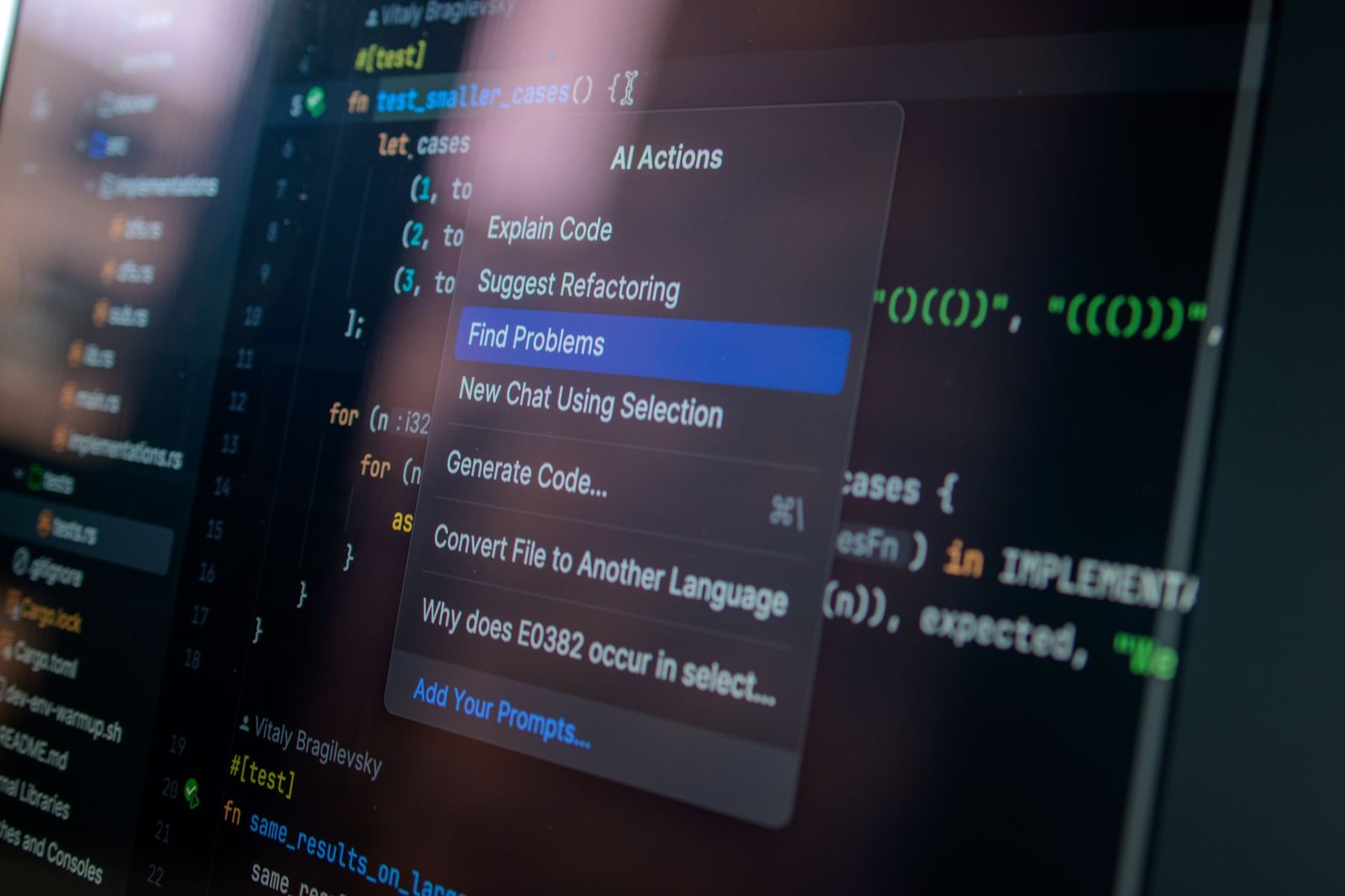
For teams handling sensitive information, privacy has become a major consideration. Some apps now offer bot-free modes that capture audio directly from your device without adding a visible participant to the meeting. This matters when you're discussing confidential strategy, client information, or anything else that requires discretion.
AI Snapshot: Read AI offers 5 free meeting transcripts per month with unlimited enterprise search across work platforms, making it one of the most accessible free AI note-takers available in 2026.
Top AI Note-Taking Apps to Consider in 2026
Read AI has emerged as a standout option, especially if you're looking for a robust free tier. The platform provides automatic transcription, summary generation, and the ability to search across all your meetings and work content. The free plan includes five meeting transcripts monthly, which is enough for many professionals to evaluate whether the service fits their workflow. What sets Read AI apart is its enterprise search capability - you can find specific topics, decisions, or action items across every meeting you've recorded.
Otter.ai continues to be a favorite for real-time collaboration. The app transcribes as people speak, allowing team members to add comments, highlight important moments, and share specific clips. It's particularly useful for journalists, researchers, and anyone conducting interviews. The mobile app works well for recording in-person conversations, not just virtual meetings.
Fireflies.ai excels at integration depth. It connects with your calendar and automatically joins scheduled meetings, records them, and generates searchable notes. The conversation intelligence features analyze your meetings for talk time, sentiment, and key topics discussed. Sales teams find this particularly useful for reviewing client calls and identifying patterns across multiple conversations.
Microsoft Teams users should look closely at the built-in meeting recap features that have matured significantly. Teams now generates automatic summaries, identifies tasks, and makes recordings searchable without requiring third-party tools. If your organization already uses the Microsoft ecosystem, the native solution might be sufficient.
Features That Actually Make a Difference
Not all AI note-takers are created equal. The most useful apps share several key capabilities that separate them from basic recording tools. Speaker identification matters more than you might think. When the app can tell who said what, searching through transcripts becomes exponentially more valuable. You can quickly find everything your manager mentioned about the project timeline or review what the client specifically requested.
Action item extraction is another game-changer. The AI identifies tasks, assigns them to people mentioned by name, and can even sync with project management tools. This means follow-up items don't get buried in paragraphs of text - they're pulled out and made actionable immediately.
Search functionality varies widely between platforms. The best apps let you search not just for exact words but for concepts and topics. If you're trying to remember that discussion about budget constraints from three weeks ago, you should be able to find it even if you don't remember the exact phrasing.
Integration breadth determines how well the tool fits into your existing workflow. Apps that work with your calendar, video conferencing platform, CRM, and project management system create a connected ecosystem where information flows automatically. You don't want to manually export notes and paste them into five other places.
Privacy controls have become non-negotiable for many organizations. Look for apps that let you control who can access recordings, offer encryption, provide options to automatically delete transcripts after a set period, and comply with regulations like GDPR. The bot-free recording modes available in some apps address the awkwardness of having an obvious bot participant in sensitive meetings.
Making the Right Choice for Your Needs
Choosing an AI note-taking app depends on your specific situation. If you're an individual contributor looking to improve personal productivity, a free tier from Read AI or Otter.ai probably covers your needs. These options give you core functionality without financial commitment.
For teams, consider how the app handles collaboration. Can multiple people access and annotate the same transcript? Does it integrate with the communication tools your team already uses? Sales and customer success teams should prioritize conversation analytics features that help identify trends and coach team members. Legal and compliance-focused organizations need robust security features and the ability to maintain detailed audit trails.
Price matters, but it shouldn't be the only factor. A free app that requires two hours of manual cleanup per week costs more in the long run than a paid service that saves you ten hours. Calculate the time savings realistically and consider that value when comparing options.
Don't overlook the importance of accuracy. Transcription quality varies, especially with technical terminology, accents, or poor audio conditions. Most services offer free trials - use them to test with your actual meetings before committing. Pay attention to how well the app handles your specific use case, whether that's medical terminology, legal language, or technical jargon.
Conclusion
AI note-taking apps have moved from nice-to-have novelties to essential productivity tools. The technology has matured to the point where automatic transcription is reliable, summaries are genuinely useful, and the time savings are measurable. In 2026, you have excellent options across different price points and use cases.
The key is matching the tool to your actual workflow rather than chasing the most feature-rich option. Start with a clear understanding of what you need - is it better meeting documentation, action item tracking, searchable conversation history, or all three? Test a few options using their free tiers or trials. Pay attention to how the app handles your specific meeting types and whether it genuinely saves you time or just adds another tool to manage.
The best AI note-taking app is the one you'll actually use consistently. If it feels cumbersome or requires too much manual intervention, it won't stick. Find something that fits naturally into how you already work, and you'll wonder how you ever managed without it.
FAQs
Can AI note-taking apps handle multiple speakers in a meeting?
Yes, most modern AI note-taking apps can identify and label different speakers in a meeting. The accuracy depends on audio quality and whether speakers are clearly distinguishable. Some apps require an initial setup where you identify voices, while others use AI to automatically separate speakers. For best results, use a good microphone and encourage participants to avoid talking over each other. Apps like Otter.ai and Fireflies.ai are particularly strong at speaker diarization.
Are AI meeting notes secure and private?
Security varies significantly by provider. Reputable AI note-taking apps use encryption for data in transit and at rest, but you should review each app's specific security measures and privacy policy. Some apps offer bot-free recording modes that don't add a visible participant to meetings, which is important for sensitive discussions. Enterprise plans typically include additional security features like SSO, advanced access controls, and compliance certifications. If you handle sensitive information, choose providers that are transparent about data handling and offer robust privacy controls.
Do I need to record every meeting or can I be selective?
You can absolutely be selective about which meetings to record. Most AI note-taking apps let you manually start recording or choose which calendar events to automatically join. Many professionals find it helpful to record meetings where decisions are made, complex topics are discussed, or multiple action items are likely. You might skip one-on-one check-ins or informal chats. Being selective also helps manage storage limits on free plans and respects participants who may prefer some conversations remain unrecorded.
How accurate are AI transcriptions compared to human note-taking?
AI transcription accuracy typically ranges from 80% to 95% depending on audio quality, accents, technical terminology, and background noise. For standard business conversations with clear audio, modern AI achieves accuracy comparable to or better than manual note-taking, especially when you consider that human note-takers miss details and make their own errors. The advantage of AI is consistency and completeness - it captures everything said, not just what one person deemed important in the moment. However, AI can struggle with heavy accents, overlapping speech, or specialized jargon, so it's wise to review critical details rather than treating transcripts as perfect records.
Author

Maya-Rodriges@foucheres.com
Related Posts
Automate Weekly Reports With AI: Small Team Walkthrough
Learn how to automate weekly reports with AI for small teams. Save hours, reduce errors, and turn data into actionable insights with...
Read out all
How to Write Prompts That Get Better AI Answers
Learn to write prompts that deliver better AI answers. Clear instructions, context, format specs, and iteration strategies that get you useful responses.
Read out all
7 AI Tools That Cut Your Admin Work in Half
Discover 7 AI administrative tools that save 10+ hours weekly. From meeting transcription to email management, learn which tools actually reduce admin...
Read out all
AI Productivity Stack for Remote Teams: Essential Tools 2026
Discover the essential AI tools remote teams need in 2026 to boost productivity, streamline workflows, and enhance collaboration across time zones.
Read out all
5 AI Chatbots Compared: Which One Saves You Time
Compare ChatGPT, Google Gemini, Microsoft Copilot, Perplexity, and Claude to find which AI chatbot actually saves time in your daily workflow.
Read out all