
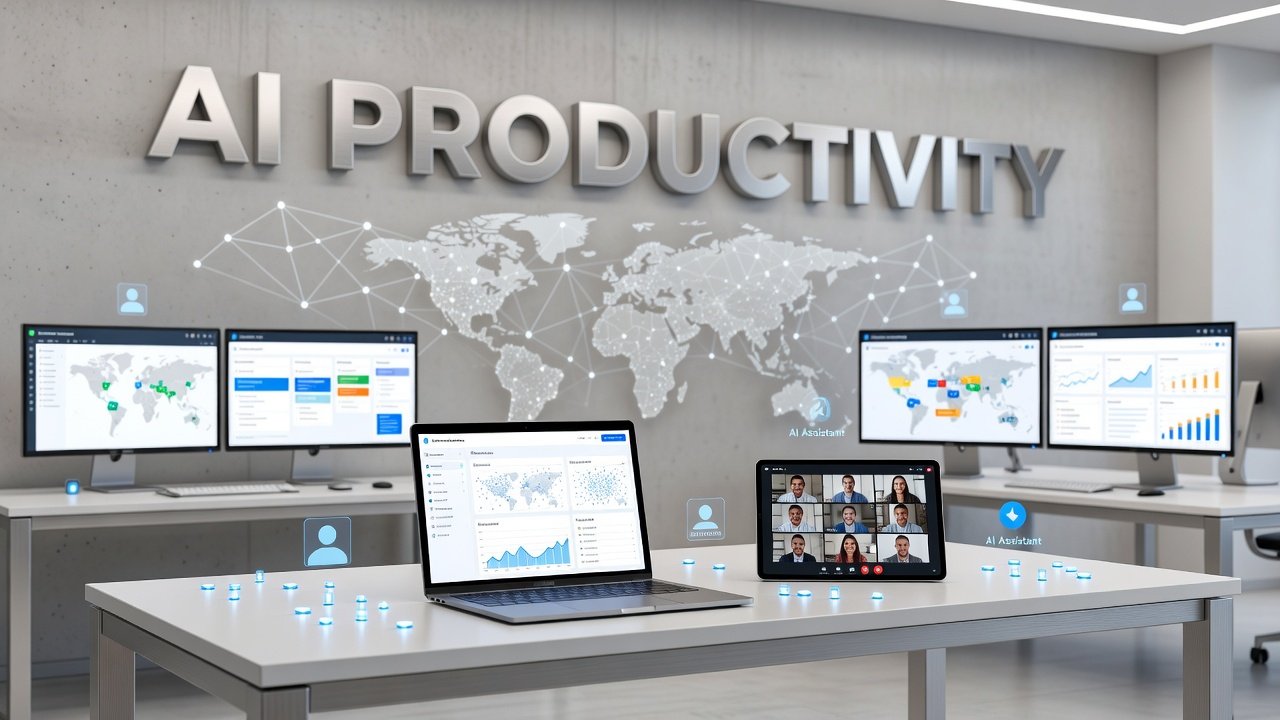
Remote work has reshaped how we collaborate, and artificial intelligence is now the secret weapon keeping distributed teams productive, aligned, and efficient. With remote and hybrid work becoming the norm, teams are turning to AI-powered tools to automate repetitive tasks, streamline communication, and bridge the gaps created by distance and time zones. The right AI productivity stack can transform chaos into clarity, helping your team work smarter without burning out. This guide walks you through the essential AI tools that remote teams need in 2026 to stay competitive, connected, and productive.
Why AI Matters for Remote Team Productivity
Remote teams face unique challenges that traditional office workers rarely encounter. Coordinating across time zones, maintaining clear communication without face-to-face interaction, and managing workflows asynchronously all create friction that slows teams down. AI addresses these pain points head-on by automating the mundane and amplifying human capabilities.
The numbers tell a compelling story. Recent data shows that 83% of employees report increased productivity with AI-integrated workflows compared to early 2024. That's not just incremental improvement - it's a fundamental shift in how work gets done. AI assistants handle scheduling conflicts automatically, language processing tools break down communication barriers between international team members, and intelligent project management systems predict bottlenecks before they happen.

What makes AI particularly valuable for remote work is its ability to operate 24/7. Your team in Tokyo can ask questions and get answers while your New York office sleeps. Documentation gets updated in real time, meeting notes get transcribed and summarized automatically, and action items get assigned without anyone needing to manually track who said what. The technology doesn't replace human judgment, but it eliminates the administrative overhead that used to consume hours each week.
AI Snapshot: The global market for AI in remote work was valued at USD 18.8 billion in 2023 and is projected to reach USD 104.4 billion by 2033, reflecting the rapid adoption of AI tools across distributed teams worldwide.
Core AI Tools Every Remote Team Needs
Building an effective AI productivity stack means choosing tools that work together rather than creating more silos. Start with AI-powered communication platforms that go beyond basic chat. Tools like Slack's AI features and Microsoft Teams' Copilot can summarize long conversation threads, surface important decisions buried in channels, and even suggest when discussions should move to a video call instead of endless messages.
For project management, AI-enhanced platforms like Notion AI, ClickUp Brain, or Asana Intelligence transform static task lists into dynamic workflows. These systems learn your team's patterns and can predict how long tasks will take, identify dependencies automatically, and alert you when deadlines are at risk. You don't need to manually update every field - the AI watches project movement and keeps information current.
Virtual meeting assistants have become non-negotiable for remote teams. Services like Otter.ai, Fireflies.ai, or Fathom record meetings, transcribe conversations in real time, and generate summaries with action items. Team members who couldn't attend get the key points without watching an hour-long recording. These tools also integrate with your calendar and CRM, automatically logging meeting notes where they belong.
Don't overlook AI writing assistants tailored for business communication. Grammarly Business and similar tools do more than check spelling - they analyze tone, suggest clarity improvements, and ensure your messages land correctly across cultural contexts. For international teams, AI translation tools embedded directly into communication platforms mean language differences stop being barriers to collaboration.
Automating Workflows with AI Integration
The real power of an AI productivity stack emerges when individual tools connect into unified workflows. This is where automation platforms like Zapier with AI capabilities or Make (formerly Integromat) with AI modules come in. These services let you build intelligent workflows that trigger actions across your entire tool ecosystem.
Consider a common remote team scenario: a client sends an email request. With AI automation, that email gets analyzed for urgency and topic, automatically creates a task in your project management system with relevant context, assigns it to the right team member based on workload and expertise, and schedules a follow-up if no action happens within 48 hours. No human intervention required for the administrative routing.
AI-powered knowledge management is another game-changer for distributed teams. Tools like Guru, Tettra, or Notion with AI search capabilities create intelligent company wikis that actually get used. These systems understand natural language questions and surface relevant documentation, past decisions, and internal resources. Instead of asking a colleague in a different time zone where to find information, team members get instant answers from the AI-powered knowledge base.
Time zone management gets easier with AI scheduling assistants like Clockwise or Reclaim.ai. These tools analyze everyone's calendars, identify optimal meeting times that respect work-life boundaries, and automatically protect focus time for deep work. They learn individual preferences and team patterns, continuously optimizing schedules to minimize disruption while maximizing collaboration opportunities.
Building Your Custom AI Stack
There's no one-size-fits-all AI productivity stack. Your team's needs depend on your industry, team size, existing tools, and specific pain points. Start by identifying the biggest time drains in your current workflow. Where does information get lost? What tasks get repeated manually? Where do communication breakdowns happen most often?
Once you've mapped your friction points, choose AI tools that address your top three problems first. Trying to implement ten new AI systems at once overwhelms your team and guarantees low adoption. Better to get three tools working smoothly and delivering value before expanding your stack.
Integration capability should drive your choices. An amazing AI tool that doesn't connect with your existing systems creates more work, not less. Prioritize tools with robust APIs, native integrations with your current platforms, and compatibility with automation services. Check whether the AI features require separate subscriptions or come included with plans you already have.
Budget matters, but calculate true cost carefully. A tool that costs more upfront but saves each team member an hour daily delivers massive ROI compared to a free option that only marginally improves efficiency. Many AI productivity tools offer team plans with per-user pricing that scales with your growth. Test options with free trials before committing - most AI platforms offer 14 to 30-day trials that let you validate real-world value.
Conclusion
The AI productivity stack isn't about replacing human workers - it's about removing the friction that prevents remote teams from doing their best work. When administrative overhead disappears, when communication flows clearly across continents, and when information surfaces exactly when needed, teams achieve what seemed impossible with traditional remote work tools. The market growth from USD 18.8 billion in 2023 toward USD 104.4 billion by 2033 reflects a fundamental shift: AI has moved from optional to essential for competitive remote teams.
Start small, measure impact, and expand deliberately. Your AI stack should evolve as your team grows and as new tools emerge. The teams winning with remote work in 2026 aren't necessarily the ones with the most AI tools - they're the ones who've thoughtfully integrated AI where it delivers clear value, trained their teams to use it effectively, and continuously refined their approach based on real results. The technology exists. The question now is how quickly your team will adopt it to stay ahead.
FAQs
What's the minimum AI stack a small remote team needs?
Start with three core tools: an AI meeting assistant for transcription and summaries, an AI-enhanced project management platform for task coordination, and an intelligent communication tool with search and summarization features. This foundation addresses the biggest remote work challenges - asynchronous communication, meeting overload, and task tracking - without overwhelming a small team. You can expand from there based on specific needs.
How much does a complete AI productivity stack cost per team member?
Costs vary widely based on team size and tool choices, but expect to invest between $50 to $150 per user monthly for a comprehensive AI stack covering communication, project management, meeting assistance, and automation. Many tools offer discounts for annual subscriptions and scaled pricing for larger teams. Some features come included with platforms you may already use, like Microsoft 365 or Google Workspace, reducing additional costs.
Will AI tools work with our existing software and workflows?
Most modern AI productivity tools prioritize integration capabilities, offering native connections to popular platforms like Slack, Microsoft Teams, Google Workspace, Salesforce, and major project management systems. Before committing to any AI tool, verify it has documented integrations with your critical systems or offers API access for custom connections. Many also work with automation platforms like Zapier to bridge gaps between applications.
How do we get remote team members to actually use AI tools?
Adoption succeeds when you solve real pain points team members already feel, not when you force tools on them. Identify specific frustrations - like time zone scheduling nightmares or meeting information getting lost - and introduce AI tools as solutions to those problems. Provide hands-on training, designate AI champions who can help colleagues, and celebrate early wins publicly. Start with tools that require minimal behavior change and deliver immediate value, then expand to more sophisticated applications as comfort grows.
Author

Maya-Rodriges@foucheres.com
Related Posts

How to Write Prompts That Get Better AI Answers
Learn to write prompts that deliver better AI answers. Clear instructions, context, format specs, and iteration strategies that get you useful responses.
Read out all
7 AI Tools That Cut Your Admin Work in Half
Discover 7 AI administrative tools that save 10+ hours weekly. From meeting transcription to email management, learn which tools actually reduce admin...
Read out all
Best AI Note-Taking Apps for Meetings in 2026
Discover the best AI note-taking apps for meetings in 2026. Compare features, pricing, and integrations to find the perfect tool for your...
Read out all
5 AI Chatbots Compared: Which One Saves You Time
Compare ChatGPT, Google Gemini, Microsoft Copilot, Perplexity, and Claude to find which AI chatbot actually saves time in your daily workflow.
Read out all