
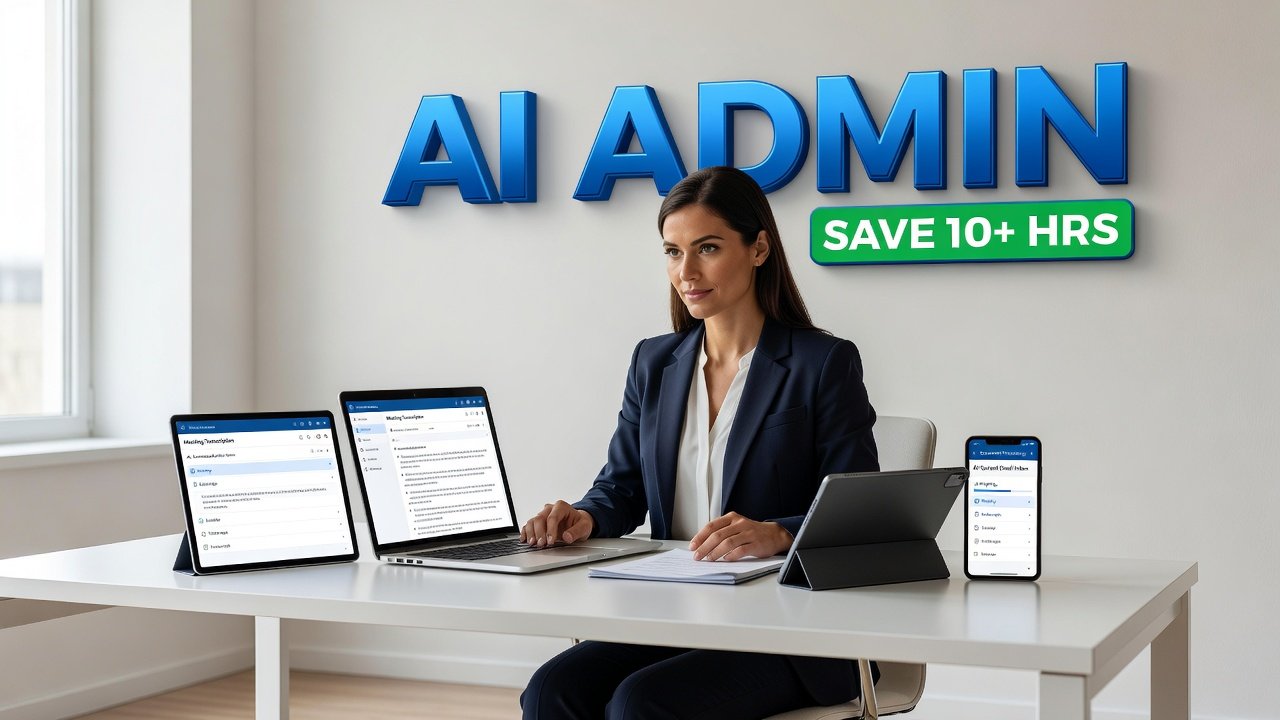
Administrative work piles up faster than most of us care to admit. Emails need responses, meetings need scheduling, expenses need tracking, and documents need organizing. For many professionals, these tasks eat up hours every day - time that could go toward more meaningful work. The good news? AI has evolved beyond chatbots and image generators. Today's AI administrative tools handle the repetitive stuff that drains your energy and calendar, often saving more than 10 hours per week for those who use them consistently. We're talking about real, practical applications that integrate into your existing workflow and deliver measurable time savings. Let me walk you through seven tools that have proven themselves in real workplaces.
Meeting Management That Actually Works
Meetings consume an enormous portion of the workweek, but the administrative burden doesn't end when the call does. Someone needs to take notes, track action items, and follow up with participants. This is where AI transcription and meeting assistants shine.
Otter.ai records, transcribes, and summarizes your meetings in real time. It doesn't just create a wall of text - it identifies speakers, highlights key points, and extracts action items automatically. You can search through past meetings for specific topics or decisions, turning your meeting history into a searchable knowledge base. For teams juggling multiple projects, this means no more scrambling to remember who committed to what three weeks ago.
AI Snapshot: Administrative assistants using AI tools report saving more than 10 hours per week, which often contributes to higher performance ratings.
Beyond transcription, AI scheduling tools like Clockwise analyze your calendar patterns and automatically find the best meeting times across multiple participants. It considers time zones, working hours, and even your focus time preferences. Instead of the back-and-forth email chain ("Does Tuesday work?" "No, how about Wednesday?"), the AI handles it in seconds. Reclaim.ai takes this further by defending your calendar against meeting overload, automatically scheduling blocks for deep work and adjusting as priorities shift.
Email and Communication Intelligence
Your inbox probably feels like a second job. Reading, drafting, editing, and organizing emails can consume two to three hours daily for many professionals. AI writing assistants have matured far beyond simple spell-check.
Grammarly now does more than catch typos. It analyzes tone, suggests clearer phrasing, and helps maintain consistency across your business communications. The AI understands context - a casual email to a colleague gets different suggestions than a formal proposal to a client. For teams managing customer communications, this consistency matters. Everyone sounds professional without spending 15 minutes agonizing over word choice.
Smart email tools like SaneBox learn which messages actually matter to you. They automatically sort incoming mail into folders based on importance, keeping your primary inbox focused on what needs attention now. The AI adapts to your behavior - if you consistently ignore newsletters until the weekend, it learns to route them accordingly. Some users report processing their inbox 50% faster once the AI handles the initial triage.
AI reply assistants can draft responses based on your writing style and the context of incoming messages. They're not replacing your judgment - you still review and edit - but they eliminate the blank-page problem. Instead of starting from scratch on routine replies, you're refining a solid draft. According to research on AI administrative tools, this shift allows professionals to focus on more strategic initiatives rather than repetitive communication tasks.
Document Processing and Data Entry
Few tasks feel more soul-crushing than manual data entry and document processing. Copying information from receipts into expense reports, extracting data from invoices, or organizing scattered files - these jobs demand attention but deliver little satisfaction.
AI document processing tools like Docsumo and Rossum can extract structured data from invoices, receipts, purchase orders, and contracts with impressive accuracy. Upload a batch of invoices, and the AI pulls out vendor names, amounts, dates, and line items automatically. It learns your document formats over time, getting smarter with each processed file. Teams handling accounts payable have cut processing time by 70% or more with these tools.
For expense management, tools like Expensify use AI to scan receipts, categorize expenses, and populate reports automatically. Snap a photo of a receipt with your phone, and the AI handles the rest. It reads merchant names, amounts, and dates, matches transactions to your credit card, and files everything according to your company's expense categories. Month-end expense reports that used to take hours now take minutes.
PDF editing and form filling also benefit from AI. Tools can automatically fill out repetitive forms using your saved information, extract text from scanned documents, and even convert handwritten notes to typed text. The accuracy isn't perfect - you still need to review - but it beats typing everything manually.
Task and Project Coordination
Keeping track of who's doing what across multiple projects creates constant overhead. Project management tools have added AI layers that reduce this burden significantly.
Motion combines your calendar, tasks, and project deadlines into a single AI-managed system. Instead of manually scheduling when you'll work on each task, the AI builds your daily plan automatically. It considers deadlines, task duration estimates, meeting schedules, and your working hours. When something urgent comes up, it reshuffles your plan in real time. Users describe it as having a personal assistant who constantly optimizes your schedule.
Notion AI brings similar intelligence to documentation and knowledge management. It can summarize long documents, generate meeting agendas based on project notes, and even draft project updates by analyzing your team's activity. The AI understands your workspace structure and can answer questions about projects, find related documents, or create templates based on past work.
For teams using Slack or Microsoft Teams, AI bots can handle routine coordination. They schedule standups, collect status updates, create polls, and remind people about deadlines - all without human intervention. The time savings compound when you consider how many small coordination tasks happen daily across a team.
Conclusion
The promise of AI reducing administrative work isn't theoretical anymore. These seven tools - from meeting transcription to smart scheduling, email management to document processing, and task coordination - demonstrate real, measurable time savings. The pattern is clear: AI excels at repetitive, structured tasks that follow predictable patterns. It doesn't replace human judgment, but it eliminates the tedious grunt work that surrounds decision-making.
The most successful implementations don't try to automate everything at once. Start with your biggest time drain. For some, that's email. For others, it's meeting notes or expense reports. Pick one tool, integrate it properly, and let it prove itself before adding more. The goal isn't to remove humans from the process - it's to remove the parts of the process that waste human potential. When administrative tasks take half the time they used to, that's not just efficiency. It's reclaiming hours every week for work that actually requires your unique skills and perspective.
FAQs
Do AI administrative tools require technical expertise to set up?
Most modern AI admin tools are designed for non-technical users and integrate with common workplace software like Google Workspace, Microsoft 365, or Slack. Initial setup typically takes 15-30 minutes and involves connecting your accounts and setting preferences. The tools learn your patterns over time, so accuracy improves with use. If you can install a browser extension or mobile app, you can handle the setup for most of these tools.
Will AI tools have access to sensitive company information?
Yes, many AI administrative tools process emails, documents, and meeting content, so data security matters. Reputable tools use encryption, comply with regulations like GDPR and SOC 2, and offer enterprise plans with additional security controls. Before implementing any tool, check its security certifications, read the privacy policy, and verify it meets your company's data handling requirements. Many organizations start with AI tools on non-sensitive workflows before expanding to more confidential areas.
Can these tools integrate with each other or do they create more fragmentation?
Integration varies by tool. Many AI admin applications connect through platforms like Zapier or native integrations with popular software. For example, your meeting transcription tool might automatically save notes to your project management system, or your expense tool might sync with your accounting software. The key is choosing tools that fit your existing tech stack rather than forcing your team to adopt entirely new platforms. Start with tools that enhance what you already use.
How quickly will I actually see time savings from these tools?
Most users notice immediate time savings on specific tasks - a meeting summary that used to take 30 minutes now takes 5, or an expense report that took an hour now takes 15 minutes. However, the full impact builds over weeks as the AI learns your patterns and preferences. Expect to invest some time upfront training the tools and adjusting settings. Within a month of consistent use, most professionals report saving several hours per week. The administrative assistants mentioned in research saved more than 10 hours weekly, but your mileage will vary based on which tasks you automate and how much admin work currently fills your day.
Author

Maya-Rodriges@foucheres.com
Related Posts

How to Write Prompts That Get Better AI Answers
Learn to write prompts that deliver better AI answers. Clear instructions, context, format specs, and iteration strategies that get you useful responses.
Read out all
Best AI Note-Taking Apps for Meetings in 2026
Discover the best AI note-taking apps for meetings in 2026. Compare features, pricing, and integrations to find the perfect tool for your...
Read out all
AI Productivity Stack for Remote Teams: Essential Tools 2026
Discover the essential AI tools remote teams need in 2026 to boost productivity, streamline workflows, and enhance collaboration across time zones.
Read out all
5 AI Chatbots Compared: Which One Saves You Time
Compare ChatGPT, Google Gemini, Microsoft Copilot, Perplexity, and Claude to find which AI chatbot actually saves time in your daily workflow.
Read out all