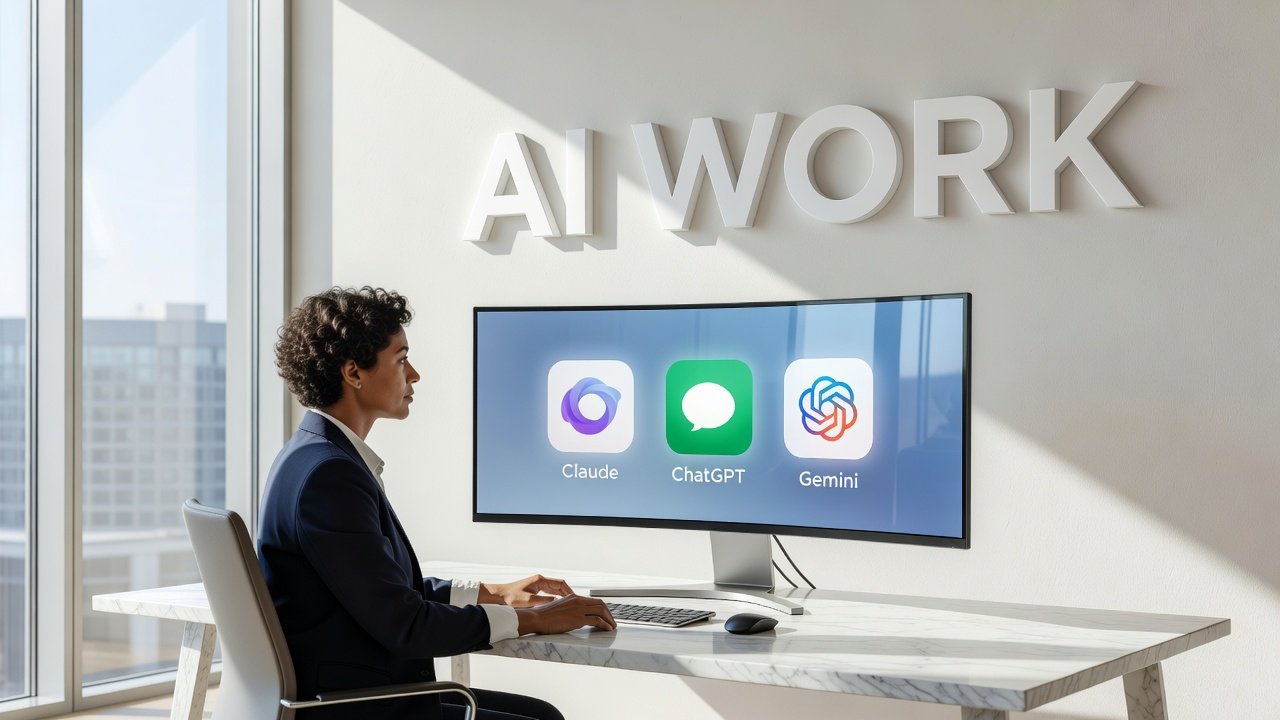
Choosing the right AI assistant for professional work isn't just about features anymore. ChatGPT, Claude, and Gemini each bring distinct strengths to the table, and the best choice depends entirely on what you actually need to accomplish. Whether you're coding, managing documents, or automating workflows across enterprise tools, understanding where each platform excels can save you hours of frustration and significantly boost your productivity. Let's break down how these three AI powerhouses stack up when real work is on the line.
Understanding Each Platform's Core Strengths
ChatGPT has evolved from a conversational novelty into a serious enterprise tool. It excels at customer service automation, content generation across multiple channels, and processing large datasets. The platform's real breakthrough came with ChatGPT Work, launched in 2026, which functions as an agent mode capable of taking on entire projects. This isn't just about answering questions - it can execute tasks across connected applications and files over several hours, delivering finished deliverables like complete spreadsheets or polished slide decks without constant supervision.
Claude has carved out a reputation for thoughtful, nuanced responses and particularly shines in complex logic tasks. If you're debugging code or need an AI that can follow intricate reasoning chains, Claude often outperforms its competitors. Developers frequently praise its ability to understand context deeply and provide solutions that account for edge cases other models might miss. The responses feel less generic, more considered - which matters when you're making critical decisions based on AI output.
Gemini takes a different approach entirely. Built by Google, it integrates seamlessly with Google Workspace applications like Gmail, Docs, Sheets, and Slides. This native integration means you can automate routine tasks directly within tools you already use daily. Beyond basic automation, Gemini can instantly analyze long PDFs, images, and complex documents, functioning as a research assistant that provides deep analysis with citations.
AI Snapshot: ChatGPT Work, launched in 2026, can execute tasks across connected applications over several hours to deliver complete project deliverables like spreadsheets or slide decks.
When to Choose ChatGPT for Work
ChatGPT makes the most sense when you need versatility and automation at scale. The enterprise features handle customer service inquiries without human intervention, freeing up your team for complex issues that genuinely require human judgment. Content teams benefit enormously from its ability to generate blog posts, social media updates, email campaigns, and marketing copy across different tones and formats.
The agent mode in ChatGPT Work changes the calculation significantly. Instead of treating AI as a question-and-answer tool, you can delegate entire projects. Need market research compiled, analyzed, and formatted into a presentation? Set the parameters and let it work. The system accesses your connected files, pulls relevant data, performs analysis, and outputs a finished product. This works particularly well for repetitive analytical tasks that follow similar patterns each time.
Where ChatGPT sometimes stumbles is in highly technical coding scenarios requiring deep logical reasoning. It handles straightforward code generation well, but when you hit complex architectural decisions or subtle bugs, you might find yourself getting generic solutions that miss the specific nuances of your problem. For those scenarios, you'll want to look elsewhere.
Claude's Advantage in Complex Thinking
Claude wins when the work requires careful reasoning and attention to detail. Software developers consistently report better results when using Claude for debugging, especially with convoluted logic errors that require understanding multiple interconnected systems. The AI seems better at holding complex context in mind and reasoning through implications several steps ahead.
This strength extends beyond coding. Legal professionals reviewing contracts, researchers analyzing conflicting studies, or strategists weighing multiple business scenarios often prefer Claude's more measured, comprehensive responses. Rather than jumping to quick answers, it tends to acknowledge complexity and walk through considerations systematically.
The tradeoff is speed and integration. Claude doesn't plug into your existing workflow tools the way Gemini does, and it's not set up for autonomous multi-hour projects like ChatGPT Work. You're having a sophisticated conversation with a very smart assistant, but you're still driving the process step by step. For some work, that's exactly what you want. For other tasks, it becomes a bottleneck.
Gemini for Google Workspace Power Users
If your professional life revolves around Google Workspace, Gemini becomes almost indispensable. The integration isn't just surface-level - it understands the structure of your Sheets, the context of email threads in Gmail, and can make intelligent suggestions within Docs as you write. This contextual awareness means less copying and pasting, fewer context switches, and more fluid work.
The document analysis capabilities stand out particularly. Drop a 50-page research report into Gemini and ask specific questions - you'll get answers with citations pointing to exact sections. This works across file types: PDFs, images, spreadsheets, presentations. For research-heavy roles, this capability alone can justify the choice.
Gemini's weakness compared to the others is in pure conversational reasoning and creative content generation. It handles factual queries and data analysis brilliantly, but if you need compelling marketing copy or help thinking through strategic positioning, ChatGPT or Claude might deliver more inspired results. Know what you're optimizing for.
Conclusion
The honest answer is that most professionals doing serious work will eventually use at least two of these platforms. ChatGPT Work makes sense for anyone automating complex, multi-step projects or generating diverse content types. Claude becomes your go-to when you need careful reasoning, particularly in technical domains where precision matters more than speed. Gemini fits naturally into Google Workspace environments where document analysis and workflow integration drive productivity.
Rather than searching for a single winner, think about your actual workflow. What tasks consume the most time? Where do you need the most help? A developer might lean heavily on Claude for debugging while using ChatGPT for documentation. A researcher might combine Gemini's document analysis with Claude's reasoning capabilities. A marketing team could use ChatGPT Work for content production while tapping Gemini for data-driven insights from campaign reports. The tools complement each other more than they compete. Pick based on your real needs, not abstract capabilities lists.
FAQs
Which AI is best for coding and software development?
Claude generally performs best for complex debugging and logical reasoning in code, particularly when dealing with intricate bugs or architectural decisions. ChatGPT handles straightforward code generation well and can be useful for documentation. Developers often use Claude for the hard problems and ChatGPT for routine tasks.
Can these AI assistants work with my company's confidential documents?
All three offer enterprise versions with enhanced privacy controls and data handling agreements. Gemini integrates with Google Workspace's existing security infrastructure, ChatGPT offers enterprise plans with data isolation, and Claude provides business tiers with compliance features. Review each platform's specific data handling policies against your company's requirements before uploading sensitive information.
How much do these AI tools cost for business use?
Pricing varies significantly based on usage levels and features. ChatGPT offers free tiers with paid plans starting around $20 per month for individuals, with custom enterprise pricing. Claude has similar individual pricing structures with business plans. Gemini pricing often bundles with Google Workspace subscriptions. For teams of more than ten people, expect to negotiate custom enterprise contracts with volume pricing.
Do I need technical skills to use these AI assistants effectively?
Not for basic tasks, but better prompting skills definitely improve results across all three platforms. ChatGPT Work requires some setup to connect applications and define workflows. Gemini works most intuitively if you're already comfortable with Google Workspace. Claude benefits from clear, structured questions. The learning curve is gentle for all three, but investing time to understand how each interprets instructions pays off quickly in output quality.
Author

Maya-Rodriges@foucheres.com
Related Posts

Are Paid AI Research Assistants Worth It for Everyday Reading
Paid AI research assistants can boost comprehension and save time, but are they worth the cost for everyday reading? Find out who...
Read out all
Free AI Tools That Turn Ideas Into Finished Graphics
Discover the best free AI graphic tools that transform rough concepts into polished visuals. Learn prompt tips, tool comparisons, and real workflow...
Read out all
Running AI Models on Your Own Machine: Practical Guide 2026
Learn how to run AI models on your own hardware in 2026. Complete guide to privacy, costs, hardware needs, and beginner-friendly tools...
Read out all
What AI Still Gets Wrong and How to Catch It
Learn what AI gets wrong most often and practical techniques to verify AI output. Understand hallucinations, confidence masks, and how to catch...
Read out all
AI Video Tools Worth Your Time in 2026
Discover AI video tools in 2026 that automate editing, personalize at scale, and turn prompts into polished videos in seconds. Real capabilities,...
Read out all
AI Coding Assistants: Which One Writes Code You Can Ship
Compare top AI coding assistants in 2026. Learn which tools write production-ready code, real productivity gains, and honest limitations developers face shipping...
Read out all