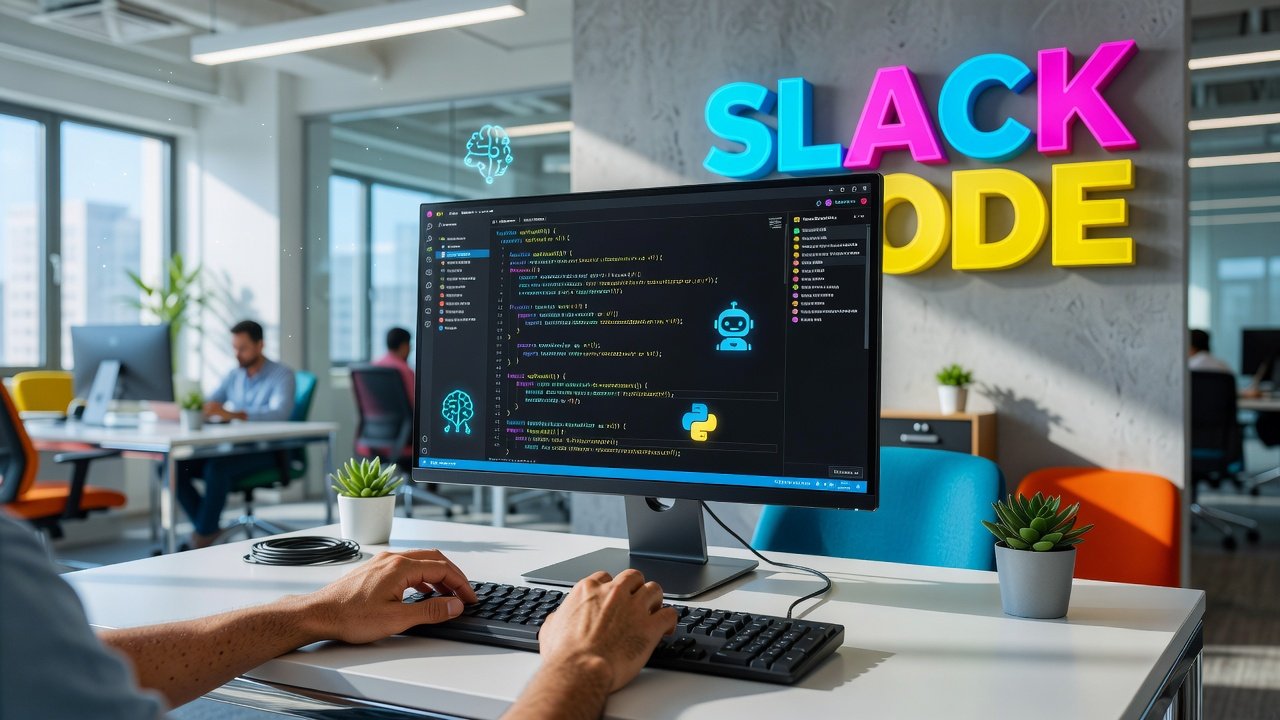
Software development has always been a team sport, but the playing field just got a lot more interesting. Slack's new Code feature, launched on August 20, 2026, brings AI coding agents directly into your team channels, transforming how developers collaborate on projects. Instead of AI assistants working in isolation on individual machines, these agents now operate transparently within shared workspaces where entire teams can review progress, discuss changes, and approve deployments together. This shift addresses a fundamental challenge in modern development: keeping everyone aligned while moving fast. Whether you're a solo developer coordinating with designers or part of a distributed engineering team, this integration promises to change how code gets written, reviewed, and shipped.
How Slack Code Works in Practice
When you activate Slack Code, the AI agent you're working with creates a dedicated channel for your project. Think of it as a war room where your AI collaborator keeps everyone in the loop. The agent posts updates as it writes code, explains its reasoning, shares live previews, and flags potential issues - all in plain view of your team.
The feature supports several major AI coding platforms, including Anthropic's Claude Code, Cognition's Devin, GitHub Copilot, and OpenAI's ChatGPT. You're not locked into a single ecosystem. Different team members can bring their preferred agents to different projects, and everyone participates in the same collaborative space.
What makes this different from simply pasting code snippets into Slack? The integration is bidirectional and persistent. Your AI agent isn't just reporting what it did - it's actually working within the Slack environment, receiving feedback from team members, and adjusting its approach based on human input. A designer can point out a UI issue directly in the channel, and the agent can incorporate that feedback into its next iteration without anyone switching tools.
AI Snapshot: Slack Code launched on August 20, 2026, and is available across all Slack plans including free workspaces, making AI-assisted collaborative development accessible to teams of any size.
The Human-in-the-Loop Safeguard
Here's where Slack Code gets smart about risk management. While AI agents can write code, run tests, and even push to development branches autonomously, high-stakes actions require human approval. Merging code to production always needs a team member to review and authorize the change.
This isn't just a safety theater checkbox. The approval workflow is designed to catch the kinds of mistakes that AI agents are still prone to making - security vulnerabilities, performance regressions, or changes that conflict with business logic the AI doesn't fully understand. When an agent wants to merge to production, it presents the changes in the channel along with its reasoning, test results, and impact analysis. A qualified human reviews everything and makes the final call.
This creates an interesting dynamic. Junior developers can work alongside powerful AI agents without needing senior oversight for every line of code, but the critical deployment moment still requires human judgment. It's a middle path between the extremes of treating AI as infallible or treating it as too risky to trust with real work.
Does this slow things down? Potentially, but most teams already require code reviews before production deployments anyway. The difference is that the AI does the heavy lifting of writing and testing code, while humans focus on strategic decisions and final approval. You're not adding checkpoints - you're shifting where human time gets spent.
Accessibility Across All Plan Tiers
One of the more surprising aspects of Slack Code is its availability across all Slack plans, including the free tier. This isn't a premium feature locked behind enterprise pricing. Any team using Slack can activate it, which dramatically lowers the barrier to entry for AI-assisted development.
There's a catch, of course. You still need your own access to the AI coding agents themselves. If you want to use GitHub Copilot, you need a Copilot subscription. Claude Code requires an Anthropic API key or subscription. Slack is providing the collaboration infrastructure, not the AI models.
For small teams and startups, this model actually makes sense. You can start with a free Slack workspace and one AI coding subscription shared among developers, then scale up as you grow. You're not paying for redundant features or being forced into an enterprise bundle just to try collaborative AI development.
The flip side is that organizations already paying for premium Slack plans might wonder why this isn't just included as part of what they're already buying. The answer seems to be that Slack is positioning itself as a platform for AI collaboration rather than an AI provider. They're betting that the real value is in the coordination layer, not the models themselves.
What This Means for Development Teams
The immediate impact of Slack Code will vary depending on how your team currently works. Remote and distributed teams stand to benefit most. When developers are spread across time zones, visibility into what's being built becomes critical. Having AI agents document their work in shared channels creates a persistent record that anyone can catch up on asynchronously.
For teams that already use Slack as their primary communication hub, the integration reduces context switching. You don't need to jump between your code editor, a separate AI assistant interface, and Slack to coordinate. The conversation and the code development happen in the same space, which keeps discussions grounded in actual work rather than abstract planning.
There are potential downsides too. Channel overload is real. If you have multiple projects each with dedicated AI agent channels, your Slack workspace can become noisy fast. Teams will need to develop conventions around which updates warrant notifications versus which can be quietly logged. The transparency that makes collaboration possible can also become information overload if not managed thoughtfully.
Another consideration is the skill shift required. Developers need to get better at giving feedback to AI agents and evaluating their output, not just writing code themselves. That's a different skill set, more akin to code review and architectural oversight than hands-on implementation. Some developers will embrace this change enthusiastically. Others may find it frustrating to work through an intermediary rather than directly shaping the code.
Conclusion
Slack Code represents a meaningful step toward AI agents becoming genuine team members rather than solo productivity tools. By embedding these agents into shared communication channels and requiring human approval for critical decisions, Slack has found a balance that maximizes both efficiency and safety. The feature's availability across all plan tiers is particularly noteworthy - it signals that collaborative AI development is moving from experimental to mainstream faster than many expected.
The real test will come as teams adopt this in production environments and discover which workflows benefit most from AI collaboration versus which are better left to traditional development practices. Not every project needs an AI agent broadcasting its progress to a channel, and not every team wants that level of transparency. But for distributed teams building complex software on tight timelines, having AI agents work openly within shared spaces rather than behind closed doors could genuinely change how code gets written. The technology is here. Now we get to figure out what it's actually good for.
FAQs
Do I need to pay for Slack Code separately from my Slack subscription?
No, Slack Code is available on all Slack plans including the free tier. However, you do need your own subscription or API access to the AI coding agents you want to use, such as GitHub Copilot, Claude Code, or ChatGPT. Slack provides the collaboration infrastructure, but the AI models themselves require separate accounts.
Can AI agents merge code to production without human review?
No. While AI agents can write code, run tests, and push to development branches autonomously, Slack Code requires human approval for high-stakes actions like merging to production. This ensures that critical deployments maintain oversight and accountability even when AI does most of the implementation work.
Which AI coding assistants work with Slack Code?
Slack Code supports integration with several major AI coding platforms including Anthropic's Claude Code, Cognition's Devin, GitHub Copilot, and OpenAI's ChatGPT. You can use different agents for different projects within the same Slack workspace, giving teams flexibility in choosing the tools that work best for specific tasks.
How does Slack Code handle sensitive code or proprietary information?
Slack Code operates within your existing Slack workspace using the same security and access controls you already have configured. The AI agents work within dedicated channels that follow your workspace's permission settings. However, keep in mind that the underlying AI services process your code according to their own privacy policies, so review those terms carefully if you're working with sensitive intellectual property.
Author

Maya-Rodriges@foucheres.com
Related Posts
Voice AI Is Finally Good: Where It Actually Works
Voice AI has crossed the accuracy threshold. Discover where voice AI actually works now - from customer service to healthcare - and...
Read out all
OpenAI Agents API: Build AI Agents With Sessions
OpenAI's Agents API launched Sept 2026 with managed sessions, automatic context compaction, and flexible deployment for building long-running AI agents.
Read out all
Is AI Search Replacing Google? What the Numbers Say
Is AI search replacing Google? We analyze market share, usage patterns, and 2026 data to reveal what's really happening in the search...
Read out all
Alibaba Qwen 3.8 27B: Vision, 262K Context, Apache 2.0
Alibaba's Qwen 3.8 27B delivers multimodal AI with vision processing, 262K token context, and Apache 2.0 licensing. Runs on consumer GPUs with...
Read out all
This Week in AI: Major Model Releases and What They Mean
Google Gemini 3.5 Flash, GPT-5, and Claude 4.5 Sonnet redefine AI in 2026. Explore autonomous agents, multimodal capabilities, and what these releases...
Read out all
OpenAI vs Google vs Anthropic: AI Race Heats Up in 2026
OpenAI, Google, and Anthropic compete for AI dominance with different approaches. Compare their technology, funding, and strategies shaping AI's future.
Read out all