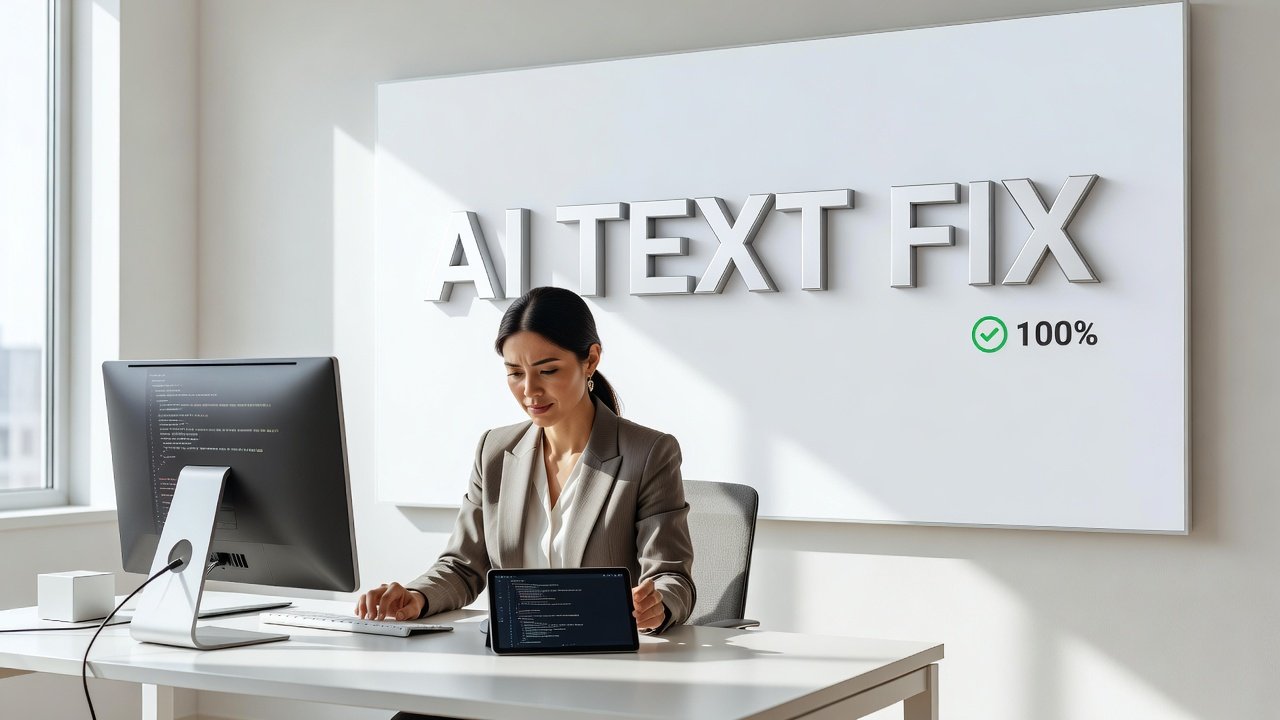
You've probably tried to get an AI image generator to create a poster or a sign with text. Maybe you wanted a logo with crisp lettering, or a motivational quote laid over a stunning background. And what did you get? Garbled nonsense, letters that look almost right but are definitely wrong, or words that fade into illegible soup. It's frustrating, especially when these same tools can paint photorealistic landscapes and conjure up dragons with astonishing detail. So why can't they spell?
The answer lies in how these models see the world. They don't read text the way you do. They paint it, pixel by pixel, treating letters as shapes and patterns rather than carriers of meaning. This fundamental misunderstanding creates a consistent weak spot across nearly every AI image tool on the market. But once you understand why it happens, you can work around it and still get the visuals you need.
Why AI Sees Letters as Patterns, Not Words
When you type a prompt into an AI image generator, the model breaks down everything into visual patterns it has learned from millions of training images. A cat is a collection of fur textures, eye shapes, and whisker arrangements. A tree is bark patterns and leaf clusters. And text? Text is just another visual element, no different from clouds or grass.
The model doesn't understand that "COFFEE" is a word with meaning. It sees five distinct shapes that often appear together in a certain order. When it tries to recreate those shapes, it's working from visual memory, not linguistic rules. This is why you might get "COFF3E" or "COFVEE" or something that looks almost right until you look closely.
This is the same reason AI image tools sometimes generate hands with six fingers or buildings with impossible physics. They're excellent at replicating patterns they've seen, but they lack true understanding of the structure beneath those patterns. Recent research into visual text generation benchmarks has examined exactly how text complexity and prompt structure affect these outcomes, showing that the problem runs deeper than simple training data quality.
AI Snapshot: DALL-E 3 can now generate legible text within images, supporting multiple aspect ratios including square, landscape, and portrait formats, making it useful for creating captions, posters, and signage directly from prompts.
Which Tools Do Text Better (and Which Still Struggle)
Not all AI image generators struggle equally with text. DALL-E 3 has made significant strides in rendering readable letters. It's integrated with ChatGPT, which helps refine your prompts before they reach the image model. This preprocessing step means the system has a better chance of understanding what you're asking for and can generate text that actually looks like text. It handles complex prompts with more accuracy than earlier versions, and you can often get serviceable results for short phrases or single words.
Midjourney Version 6 and later releases also show improved text capabilities. The trick here is in how you structure your prompt. If you want specific words to appear, wrap them in double quotation marks. So instead of writing "a poster saying welcome," try "a poster with the text 'WELCOME'" in quotes. For even better results, use the --style raw parameter or lower your --stylize value. These settings reduce the artistic interpretation the model applies, keeping your text cleaner and more literal. Midjourney works best with the standard Latin alphabet and shorter phrases, so keep your text requests simple.
Stable Diffusion is an open-source model that many developers have built upon. While the base model has historically struggled with text rendering, newer versions show gradual improvements. The challenge with Stable Diffusion is that it processes everything at the pixel level, prioritizing visual coherence over linguistic accuracy. This means you might get beautiful images with text that looks decorative but doesn't actually say anything meaningful. Many users who rely on Stable Diffusion for text-heavy work end up using external editing tools to fix or replace the AI-generated letters.
Practical Workarounds That Actually Work
If you need text in your AI-generated images, there are several strategies that dramatically improve your results. First, keep your text short. Single words work better than sentences. "SALE" will render more reliably than "Big Summer Sale Ends Friday." The fewer characters the model has to interpret, the lower the chance of garbled output.
Second, use specific keywords in your prompt to signal that text accuracy matters. Terms like "headline," "poster text," "signage," or "clear lettering" tell the model that the text isn't just decorative. It should be readable. Combine this with quotation marks around the exact words you want, and you'll see better consistency.
Third, consider generating the image with blank space where text should go, then adding the words yourself in a traditional design tool. This hybrid approach gives you the creative freedom of AI generation without the headache of mangled letters. Tools like Canva, Photoshop, or even free options like GIMP let you overlay clean, professional text on top of your AI background. You get the best of both worlds: an impossible-to-draw-by-hand scene with perfectly legible words.
Fourth, regenerate liberally. AI image tools are non-deterministic, meaning the same prompt can yield wildly different results. If your first attempt spits out gibberish, try again. Sometimes the second or third generation will nail it. This is especially true if you're working with Midjourney or DALL-E 3, where slight variations in the random seed can produce dramatically different text quality.
Finally, if you're generating multiple images and need consistent text across them, create a template. Generate one strong image with blank areas, save it, and use it as a base. Add your text in a design editor once, then duplicate the file for different variations. This saves time and ensures your branding or messaging stays consistent across a series.
The Future of AI and Typography
Text rendering in AI image generation is improving rapidly. Each new model release shows better understanding of letterforms and spacing. DALL-E 3's integration with ChatGPT hints at a future where language models and image models work more closely together, with the language side ensuring that the text makes semantic sense before the image side tries to paint it.
Some researchers are exploring hybrid architectures that treat text as a separate layer from the rest of the image. Instead of painting letters pixel by pixel, these models might overlay vector text on top of raster images, ensuring typographic accuracy while still allowing creative freedom in the visual background. Scientific publications are now examining how AI tools can bridge gaps in visual communication, including the production of publication-ready graphics that require precise text.
Another promising direction is fine-tuning models on datasets specifically designed to teach text accuracy. By training on thousands of examples where text correctness is validated, models can learn to treat letters as constrained elements that follow specific rules, rather than as free-form patterns. This is the same principle behind how AI models learned to generate better hands after being trained on hand-specific datasets.
In the meantime, understanding the limitation helps you set realistic expectations. If your project demands pixel-perfect typography, plan to use a design tool for final text. If you just need something that looks roughly right for a draft or concept, the latest AI generators can get you there faster than ever before.
Conclusion
AI image generators struggle with text because they see letters as visual patterns, not linguistic symbols. This isn't a bug you can fix with a better prompt, it's a fundamental characteristic of how these models are built. But knowing that lets you work with the tools more effectively. You can choose the right generator for text-heavy work, structure your prompts to maximize legibility, and plan for hybrid workflows that combine AI creativity with traditional design precision.
The technology is getting better fast. DALL-E 3 and Midjourney Version 6 have already made huge leaps compared to their predecessors. Future models will likely integrate language understanding more deeply into their image generation pipelines, closing the gap between what you type and what appears on screen. Until then, treat text as a special case. Keep it short, regenerate when needed, and don't hesitate to add it manually when perfection matters. The AI handles the impossible visuals, and you handle the words. That division of labor works surprisingly well.
FAQs
Why does AI misspell words in generated images?
AI models treat letters as visual shapes, not linguistic characters. They replicate patterns they've seen in training data without understanding that words have correct spellings or semantic meaning. This causes them to generate letter-like shapes that look almost right but form nonsensical combinations. It's similar to how they sometimes create hands with extra fingers because they lack true structural understanding.
Can any AI image generator create perfect text?
DALL-E 3 and Midjourney Version 6 have made significant improvements and can generate legible text for short phrases and single words. Results vary by complexity, font style, and prompt structure. For longer text or guaranteed accuracy, most professionals still use a hybrid approach, generating the image with AI and adding text in a design editor afterward.
How do I improve text quality in Midjourney?
Wrap your desired text in double quotation marks within your prompt. Use the --style raw parameter or lower your --stylize value to reduce artistic interpretation. Keep text short and stick to the standard Latin alphabet. Midjourney works best with one or two words rather than full sentences. Regenerate the image multiple times if needed, as results can vary significantly between attempts.
Should I just add text manually instead of using AI?
For projects where text accuracy is critical, yes. Generate your background or scene with AI, leaving space for text, then use Canva, Photoshop, or another design tool to overlay clean typography. This gives you the creative power of AI image generation combined with the precision and control of traditional text tools, ensuring your final output looks professional and readable.
Author

Maya-Rodriges@foucheres.com
Related Posts
Are Paid AI Research Assistants Worth It for Everyday Reading
Paid AI research assistants can boost comprehension and save time, but are they worth the cost for everyday reading? Find out who...
Read out all
Free AI Tools That Turn Ideas Into Finished Graphics
Discover the best free AI graphic tools that transform rough concepts into polished visuals. Learn prompt tips, tool comparisons, and real workflow...
Read out all
Running AI Models on Your Own Machine: Practical Guide 2026
Learn how to run AI models on your own hardware in 2026. Complete guide to privacy, costs, hardware needs, and beginner-friendly tools...
Read out all
What AI Still Gets Wrong and How to Catch It
Learn what AI gets wrong most often and practical techniques to verify AI output. Understand hallucinations, confidence masks, and how to catch...
Read out all
AI Video Tools Worth Your Time in 2026
Discover AI video tools in 2026 that automate editing, personalize at scale, and turn prompts into polished videos in seconds. Real capabilities,...
Read out all
AI Coding Assistants: Which One Writes Code You Can Ship
Compare top AI coding assistants in 2026. Learn which tools write production-ready code, real productivity gains, and honest limitations developers face shipping...
Read out all