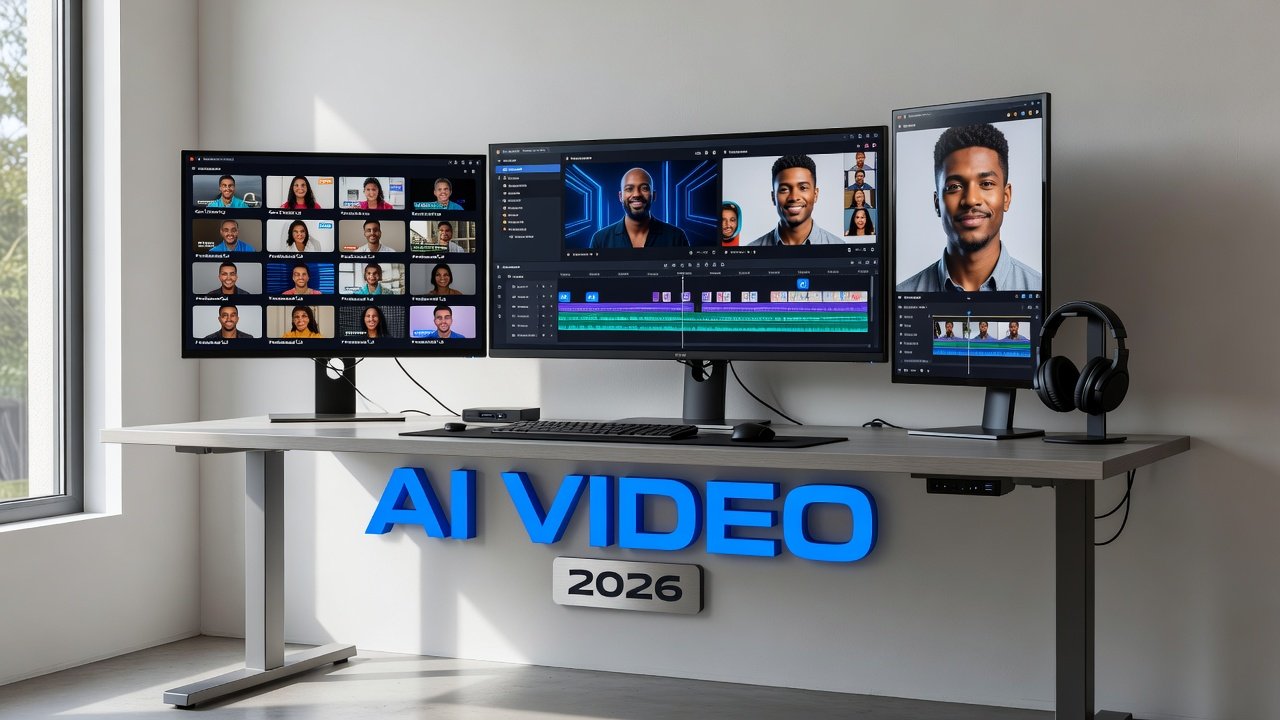
Video content dominates our feeds, but creating it used to mean hours of editing, expensive software, and a steep learning curve. AI video tools have changed that equation completely. In 2026, you can generate polished videos from a simple text prompt, automate complex editing tasks that once required professional skills, and personalize content at a scale that was unthinkable just a few years ago. The AI video editing market is expected to grow by 340% this year, fueled by demand from content creators, businesses, and newsrooms who need to produce more video, faster. Whether you're a solo creator or part of a marketing team, understanding which AI video tools actually deliver on their promises can save you time and elevate your content game.
From Prompt to Polished Video in Seconds
The most dramatic shift in 2026 is how quickly AI can take you from idea to finished video. Earlier generations of AI video tools required multiple steps: generating clips, stitching them together, adding transitions, finding music, creating captions. Now, platforms handle the entire workflow autonomously. You type a prompt describing what you want, and the AI constructs the video end-to-end.
This means selecting relevant visuals from stock libraries or generating them from scratch, creating b-roll that supports your narrative, animating text overlays that emphasize key points, and matching background music to the pacing and mood of your content. The generation, review, and iteration cycle has shrunk to seconds rather than hours. You can now test three different video concepts for a campaign in the time it used to take to export one rough cut.
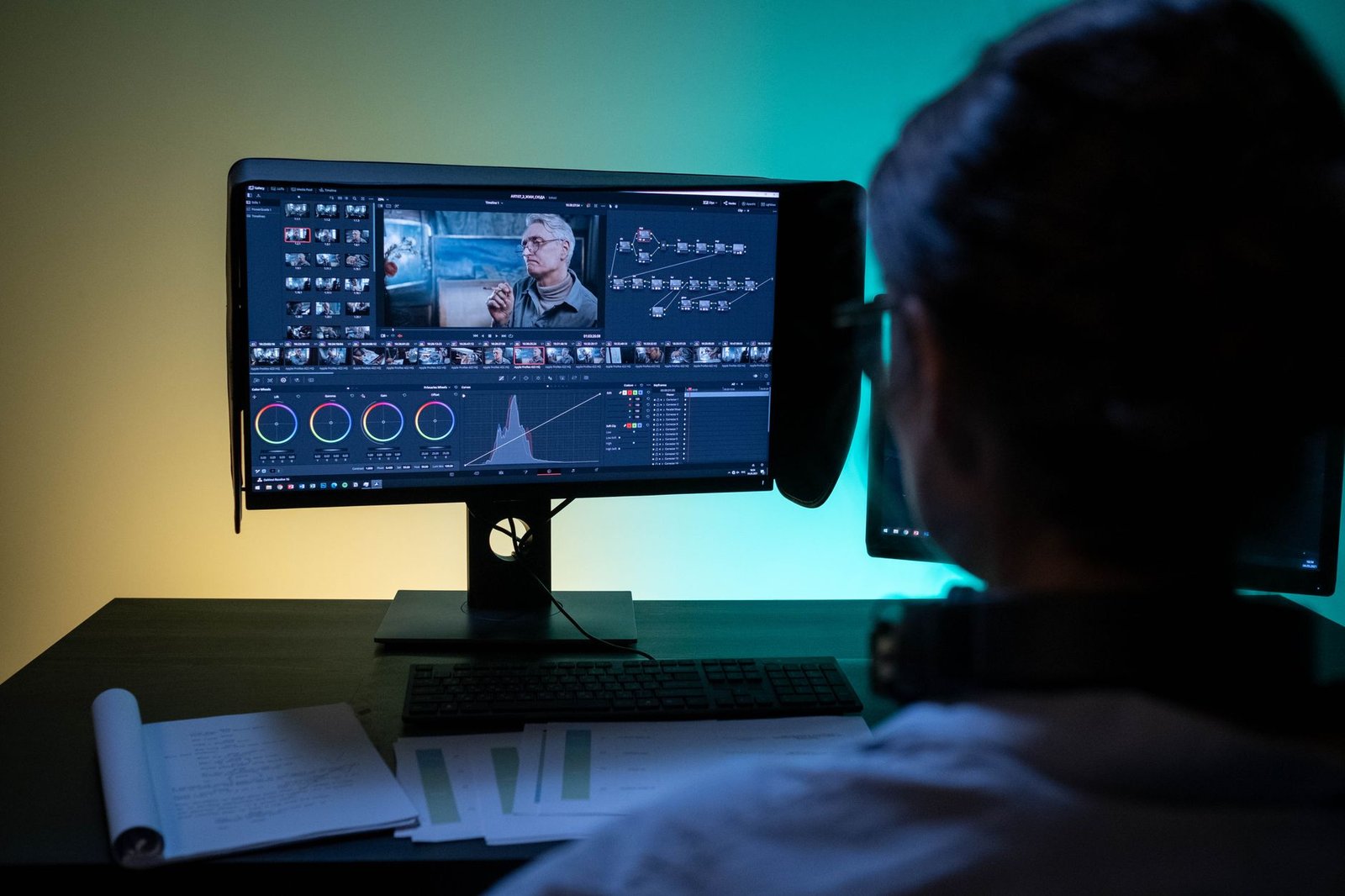
AI Snapshot: By late 2026, the generation, review, and iteration cycle for AI video has shrunk to seconds, transforming AI video from a production tool into an immediate creative instrument.
Tools like those featured in comprehensive roundups of AI video generators now compete on speed and creative control rather than just basic functionality. The barrier to entry has dropped so low that even people who've never opened a traditional video editor can produce content that looks professional. That democratization changes who gets to tell stories through video, and it changes how quickly brands can respond to trends or news cycles.
For creators who work alone or with small teams, this speed means you can maintain a consistent publishing schedule without burning out. For businesses, it means video becomes a viable medium for more use cases, including internal communications, product demos, and customer support content that might never have justified the production cost before.
Personalization at Scale Changes the Marketing Game
One of the most powerful capabilities emerging in 2026 is the ability to create personalized videos at scale. This isn't just swapping out a name in the subject line of an email. AI video tools can now generate unique versions of a single core video, each tailored for different audience segments with specific elements customized for that viewer.
Imagine you're running a national retail campaign. The AI can create thousands of video variations, each featuring region-specific store locations, local weather references, products popular in that area, or even individualized discount codes. A viewer in Miami sees beach gear and sunshine, while someone in Seattle sees rain jackets and cozy indoor products. The core message stays consistent, but the details make each viewer feel like the video was made specifically for them.
This level of personalization was technically possible before, but it required massive production budgets and teams of editors. Now it's automated. You define the variables, the AI handles the execution. Email marketers have seen this approach boost engagement rates significantly, because personalized video messages feel more human and relevant than generic broadcasts.
The applications extend beyond marketing. Educational platforms use personalized videos to address students by name and adjust difficulty based on their progress. Healthcare providers send post-appointment videos with instructions specific to each patient's treatment plan. The technology turns video from a broadcast medium into something closer to a personalized conversation.
Tools That Actually Solve Real Problems
Not all AI video tools are created equal, and the hype cycle can make it hard to separate genuine utility from vaporware. In 2026, the platforms worth your time are the ones that solve specific pain points rather than just adding AI as a buzzword feature.
For talking-head content and presentations, tools like those tested extensively by enterprise users offer realistic AI avatars that can speak in dozens of languages. You upload a script, select an avatar and voice, and get a video of that avatar delivering your content. This is particularly valuable for training videos, product updates, or any scenario where you need the human presence of a presenter but don't want to spend time on camera yourself or hire talent.
For social media creators, AI tools now handle the tedious parts of editing: automatically cutting out pauses and filler words, adding captions that sync perfectly with speech, identifying and highlighting key moments, and even reformatting landscape videos into vertical formats optimized for mobile feeds. What used to take an hour of manual timeline scrubbing now happens automatically in the background.
Photo-to-video tools from platforms like Pose AI let you animate still images, turning product photos into dynamic showcases or bringing historical photographs to life for educational content. The technology analyzes the image and generates realistic motion that makes sense for what's depicted.
The best tools also recognize their limitations. They provide clear controls for when the AI gets something wrong, offer easy ways to iterate on outputs, and integrate with existing workflows rather than demanding you rebuild your entire production process around them. Look for platforms that treat AI as an assistant, not a replacement for your creative judgment.
The Learning Curve and Creative Control
One concern creators have about AI video tools is losing creative control. If the AI does everything, does your content become generic? The short answer is: only if you let it. The tools are as generic or as specific as the prompts and parameters you give them.
The learning curve in 2026 isn't about mastering complex software interfaces anymore. It's about learning to communicate what you want effectively. Writing good prompts, understanding which parameters to adjust, and knowing when to take what the AI generates versus when to manually refine details - these are the new core skills.
Think of it like learning to work with a very fast, very literal assistant. The more specific your instructions, the better the results. Vague prompts produce vague videos. Detailed briefs that include tone, pacing, visual style, and target audience produce content that actually matches your vision.
Most platforms now include libraries of example prompts and templates to help you get started. You can see what works, adapt it to your needs, and build up a personal library of effective approaches over time. The tools also offer preview modes where you can test different options before committing to a full render, making experimentation low-risk.
For teams, this means junior creators can produce quality content faster while senior creatives focus on strategy and refinement rather than execution. The technology doesn't replace creativity, it amplifies it by removing technical barriers and speeding up the iteration process.
Conclusion
AI video tools in 2026 have matured past the novelty phase into genuinely useful production assistants. The technology handles the repetitive, time-consuming parts of video creation while leaving creative decisions where they belong - with you. The speed gains are real, the quality is increasingly indistinguishable from traditionally produced content, and the ability to personalize at scale opens up use cases that simply weren't viable before. But these tools aren't magic. They require thoughtful prompts, a willingness to iterate, and an understanding of what makes video content actually connect with audiences. The creators and businesses seeing the biggest returns are the ones treating AI as a powerful tool in their kit, not a complete replacement for human creativity and judgment. As the market continues to grow and new capabilities emerge, staying informed about which tools solve real problems versus which ones just chase trends will separate effective video strategies from wasted time and budget.
FAQs
Do I need video editing experience to use AI video tools in 2026?
No, most current AI video tools are designed for users with no editing background. They handle technical aspects like transitions, timing, and color correction automatically. That said, understanding basic video concepts like pacing, composition, and storytelling helps you get better results faster. You'll spend more time crafting effective prompts and reviewing outputs than learning software mechanics.
Can AI video tools really replace professional video editors?
For certain types of content, yes. Simple explainer videos, social media clips, and template-based marketing content can be fully automated with quality results. For complex narrative projects, documentaries, or high-end commercial work, AI tools serve best as assistants that speed up workflow rather than complete replacements. Professional editors increasingly use AI to handle tedious tasks while focusing their expertise on creative direction and storytelling.
How much do AI video tools typically cost?
Pricing varies widely based on features and usage limits. Basic plans for individual creators start around 15 to 30 dollars per month with limits on video length or exports. Mid-tier plans for small businesses typically range from 50 to 150 dollars monthly with more features and higher limits. Enterprise plans with custom avatars, brand controls, and unlimited usage can run several hundred to thousands of dollars monthly depending on scale.
Are videos created by AI legal to use commercially?
Generally yes, but read the terms of service carefully. Most platforms grant commercial usage rights to videos you create, but some restrict certain use cases or require attribution. The bigger legal question involves the source material - stock footage, music, and generated content. Reputable platforms use properly licensed assets or generate content trained on licensed material. Always verify that your chosen tool provides clear commercial licensing and doesn't expose you to copyright claims on the assets it uses.
Author

Maya-Rodriges@foucheres.com
Related Posts

AI Coding Assistants: Which One Writes Code You Can Ship
Compare top AI coding assistants in 2026. Learn which tools write production-ready code, real productivity gains, and honest limitations developers face shipping...
Read out all
Run a 27B Parameter AI Model Locally With LM Studio
Learn how to run a 27B parameter AI model locally using LM Studio. Discover hardware requirements, setup steps, and privacy benefits of...
Read out all
AI Image Generators Compared: What Each Does Best
Compare AI image generators like DALL-E 3, Midjourney, Ideogram, and Stable Diffusion. Learn what each platform actually excels at in 2026.
Read out all
Build Your First AI Agent Without Writing Code in 2026
Learn how to build your first AI agent without code using no-code platforms. Step-by-step guide to creating functional AI agents in 2026.
Read out all
Claude vs ChatGPT vs Gemini: Which One for Real Work
Compare Claude vs ChatGPT vs Gemini for professional work. Discover which AI assistant excels at coding, document analysis, and workflow automation in...
Read out all
10 Best AI Writing Tools to Try This Year
Discover the top 10 AI writing tools in 2026. Compare ChatGPT, Jasper, Grammarly, and more to find the perfect assistant for your...
Read out all